 MBX Reach
Now on Android
Your audience. In your pocket.
Take your email marketing with you. Prepare campaigns, manage your lists and follow your results from your phone, with the same MBX Reach account you use on the web.
 MBX Reach
Works with the tools you already use
Explore integrations →








MBX Reach · Android
Your account, wherever you work
Campaigns
Prepare newsletters, save drafts and schedule your next email.
Contacts and lists
Keep your subscribers organized and find the audience for your next campaign.
Reports
Follow opens, clicks, bounces and unsubscribes from your phone.
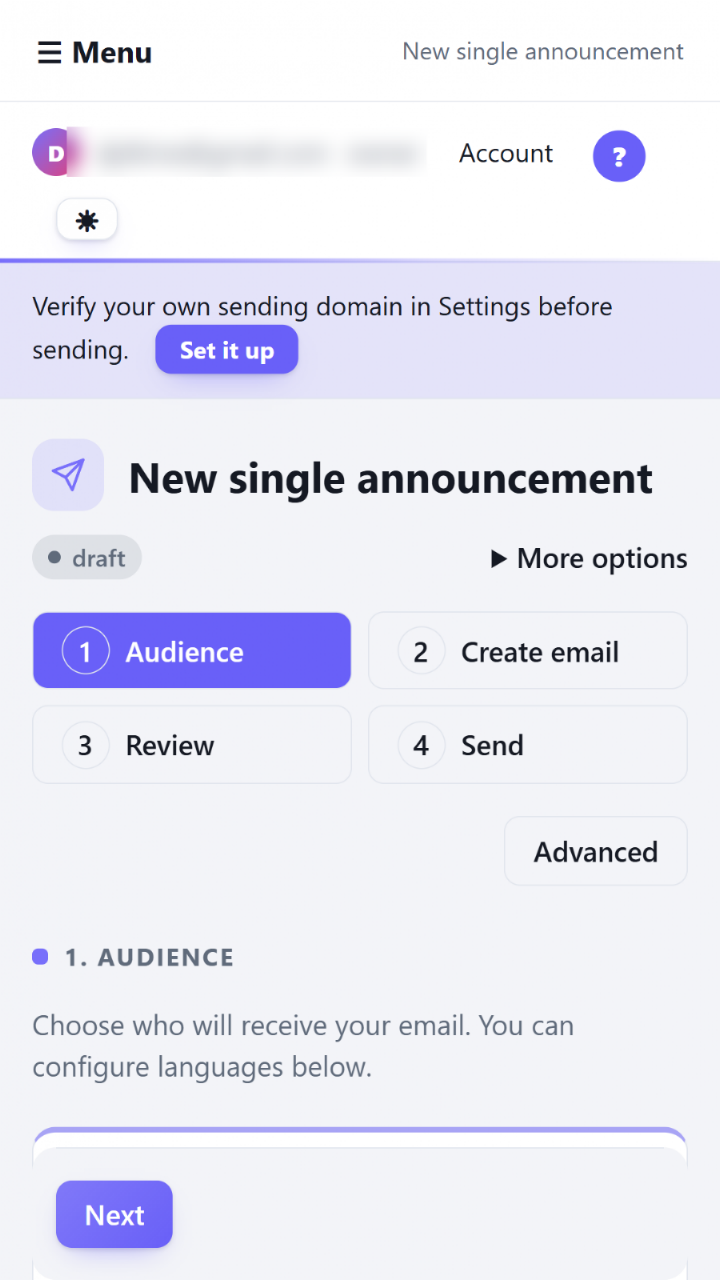
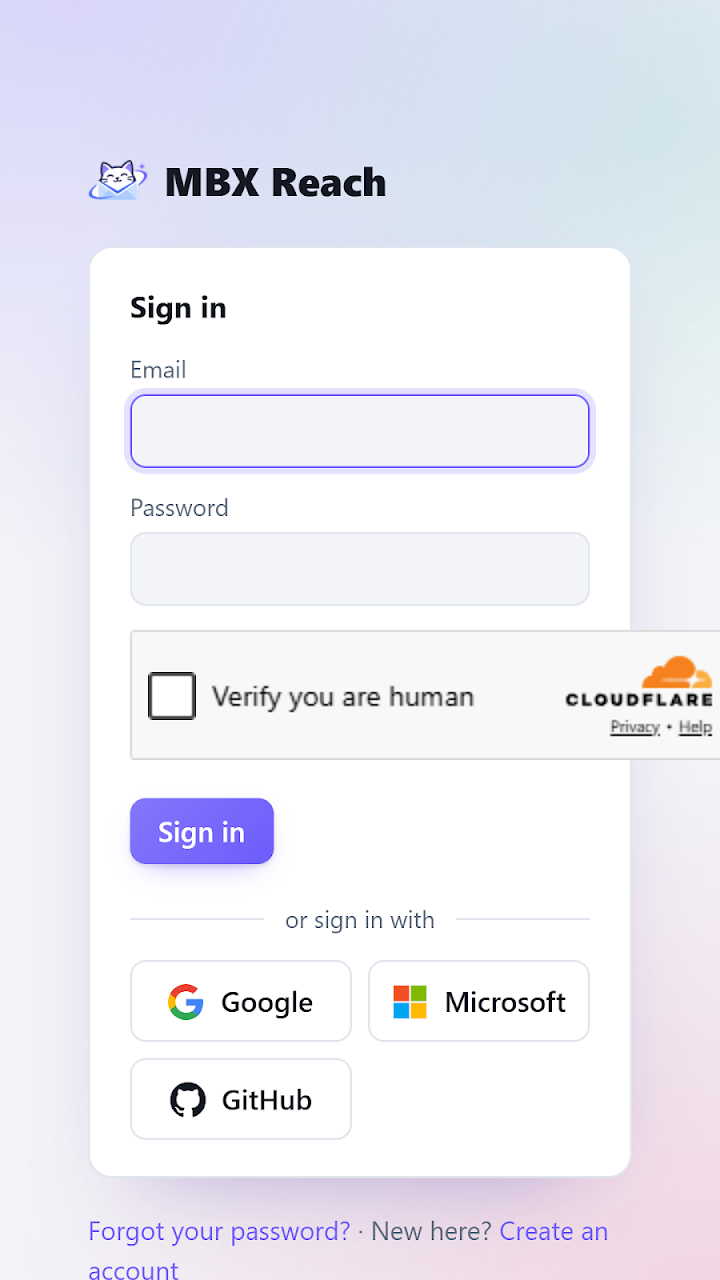
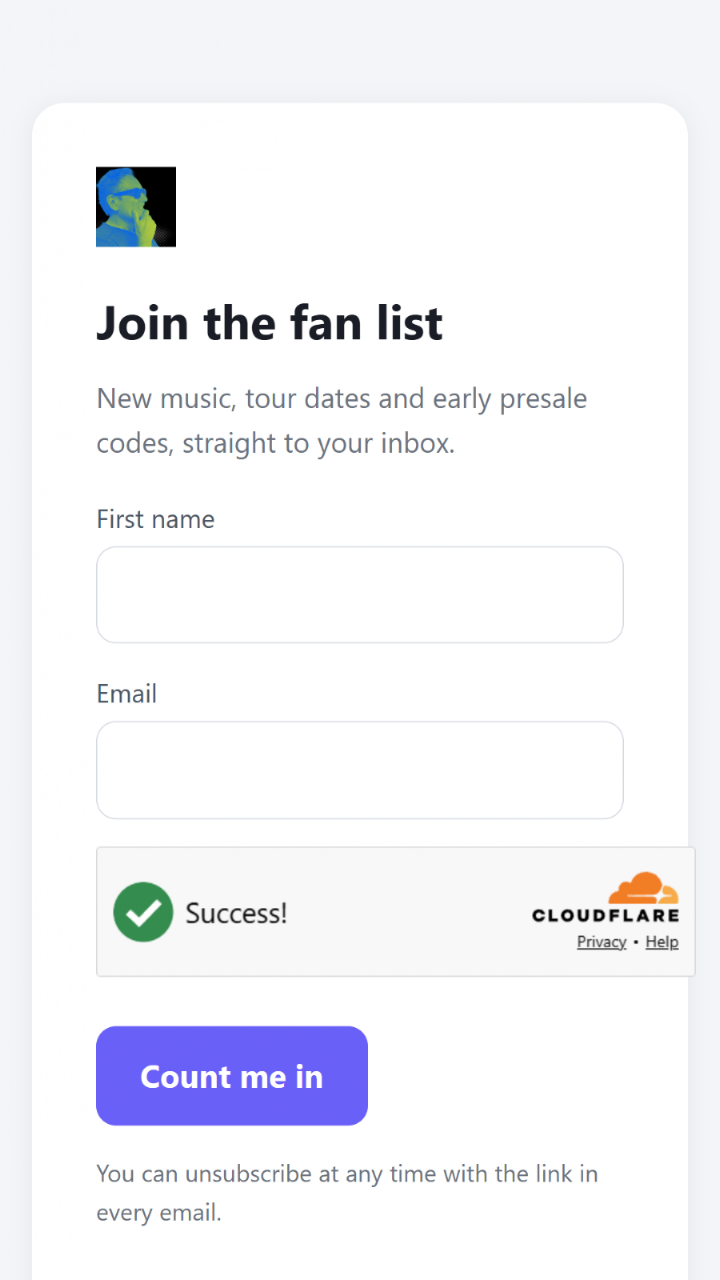
Screenshots from Google Play. Interface shown in English.
Get started in three steps
Install the Android app
Download MBX Reach from Google Play.
Sign in to your account
Use the same account and workspace as on the web.
Pick up where you left off
Your campaigns, contacts and reports are already there.
▶ Video tutorials
See it. Try it. Make it yours.
Get to know MBX Reach with a guided introduction, then put what you learn into your next email.
Video in English
About the app
Is it the same account as the web?
Yes. The app connects to your MBX Reach workspace. You do not need to move your contacts or campaigns.
Can I use it on iPhone?
An iPhone app is not available yet. You can use MBX Reach in your phone’s browser today.
Do I need an internet connection?
Yes. The app connects to MBX Reach online to load your workspace and save changes.
Where do I manage my plan?
Plans are managed on the MBX Reach website. The app uses the features included in your current plan.
Ready for your next email?
One account. Your campaigns and audience, together.
Download for Android ↗