 MBX Reach
 · Microsoft Store
Download MBX Reach for Windows
Create newsletters, organize contacts and follow campaign results from your Windows PC with the MBX Reach app from Microsoft Store.
For Windows PCs. Check the Microsoft Store listing for current system requirements. An internet connection is required.
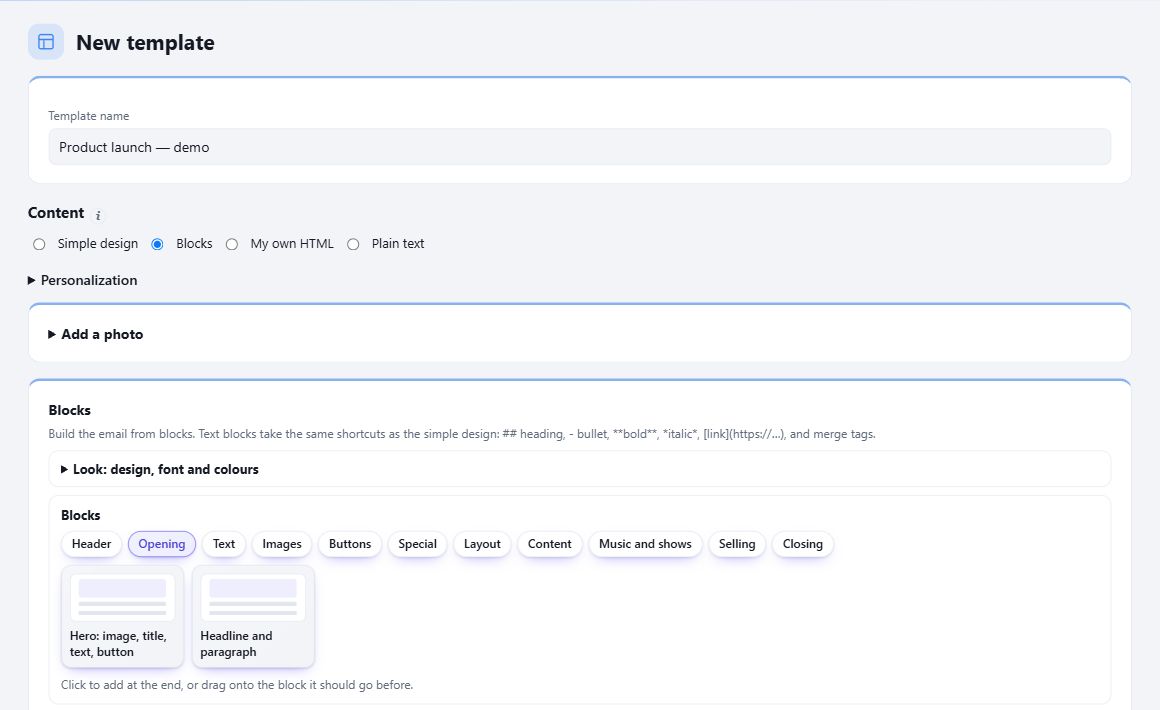
Your account, wherever you work
Write your next newsletter
Prepare campaigns with templates, a drag-and-drop editor, HTML or plain text.
Keep your audience organized
Work with contacts, lists, tags and segments in your existing workspace.
Follow your results
Review opens, clicks, bounces and unsubscribes in one place.
Get started in three steps
Install the app
Open Microsoft Store on your Windows PC and install MBX Reach by MediaBoxEnt Technologies.
Sign in to your account
Use the same account and workspace as on the web.
Pick up where you left off
Your campaigns, contacts and reports are already there.
▶ Video tutorials
See it. Try it. Make it yours.
Get to know MBX Reach with a guided introduction, then put what you learn into your next email.
Video in English
About the app
Is it the same account as the web?
Yes. The app connects to your MBX Reach workspace. You do not need to move your contacts or campaigns.
Do I need an internet connection?
Yes. The app connects to MBX Reach online to load your workspace and save changes.
Where do I manage my plan?
Plans are managed on the MBX Reach website. The app uses the features included in your current plan.
Choose your device
 Windows
Ready for your next email?
One account. Your campaigns and audience, together.
Download MBX Reach for Windows ↗